Skip to content
General Chat Talk

Mirc Icon

A TG007 community discussion started by JOhnson.

Discussion 7 posts
Page 1 of 1
Open
Topic #12916 · 7 published posts · 1,304 views

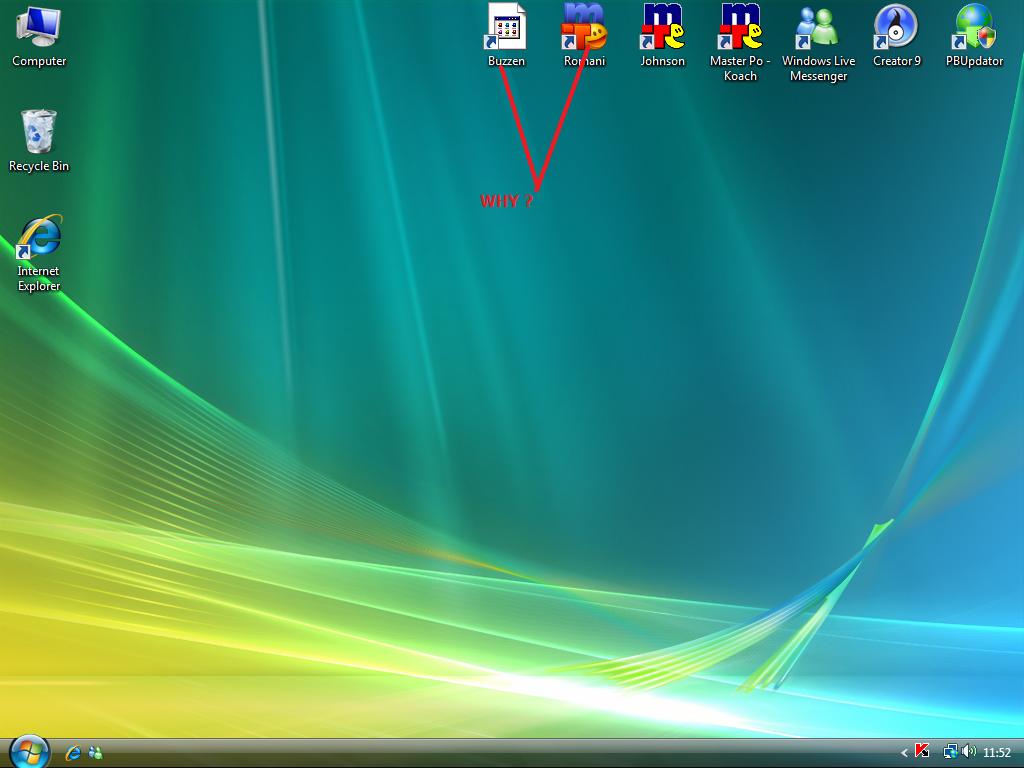
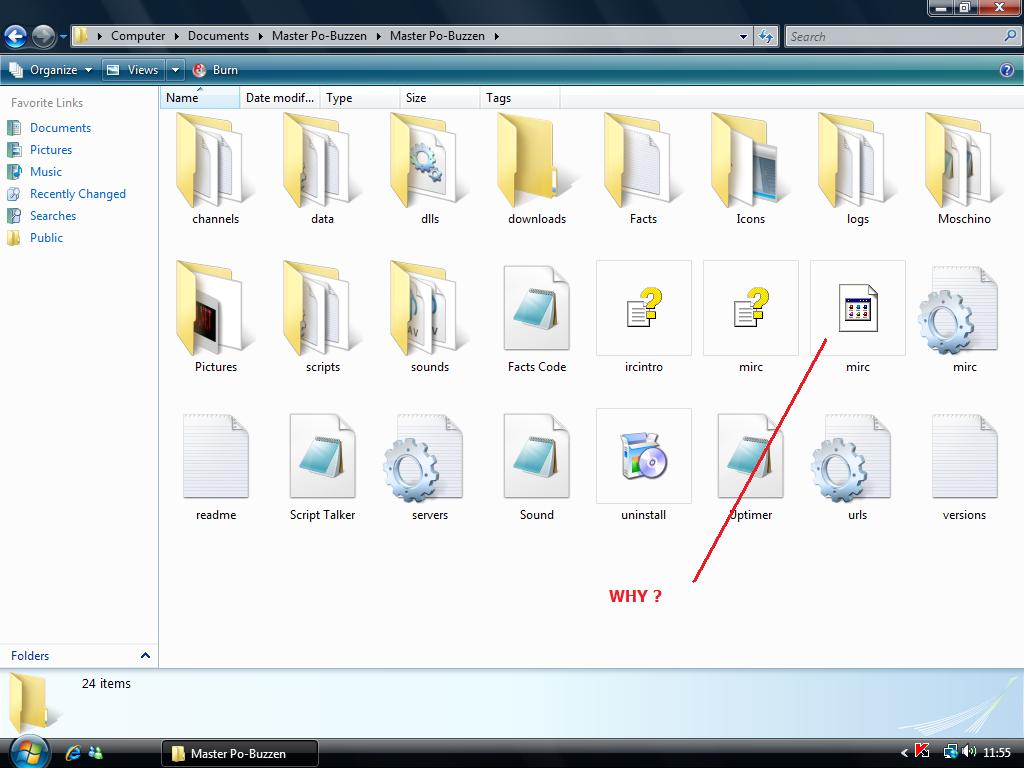
:oops: was messing about with my buzzen scripts this morning when as you will see from my Screen Shots one of them doesnt look like a mirc icon on the desktop or the main folder ? ... the O/S I have my scripts working from is Vista. I was wondering if anyone can tell me why this has happened only with one script and not the other ? its doing my head in :(


post-27425-1244372660_thumb.jpg


post-27425-1244372687_thumb.jpg

Attachments 2 files

easiest way is to just grab one of the mIRC exe files that looks right, and copy/paste it into the location. It should solve the problem.


i'm guessing you've used some program to hack it to change the icon, so its a bit hard to say how to change it back, but the quickest fix is copy only the exe, to override the current one.

Yes I agree,just refresh the .exe should fix it <wo0t>

on ^*:JOIN:#:{
if ($me == bracketflobdotpercentagebubble $nick )
and if flobadobubblebobbleexclamationmark =tokenize 32 $regsubex .echo it's time for coffee!!

You could also just go to the folder where you have the exe, right click on it, and send it to desktop as a shortcut.

warrior, it looks like that is what he has done, so hence the actual icon for the link on his desktop is broken as well, because it is reflective of the actual program having the icon missing.

Just now saw the second pic with the actual mirc.exe icon not showing. This article may help you find the solution for your problem.

:oops: sorry for the delay in answering everyone that replied to this post ... iv been away for a few days and havent long got back ... I tried most of what you told me and it didnt work ... I couldnt copy the mirc.exe and paste it into the script it just wouldnt let me :( ... so in the end I did a quick system restore and that did the trick. nais tuke for all the reply :D