Tools
Use the Action Logger, Queue Manager, MP3 Player, Screenshot Manager, System Information and Developer Mode.
Queue / Pacing Manager
The Queue Manager controls only flood-sensitive queued or automated IRCWX traffic. Normal one-off mIRC commands remain direct.
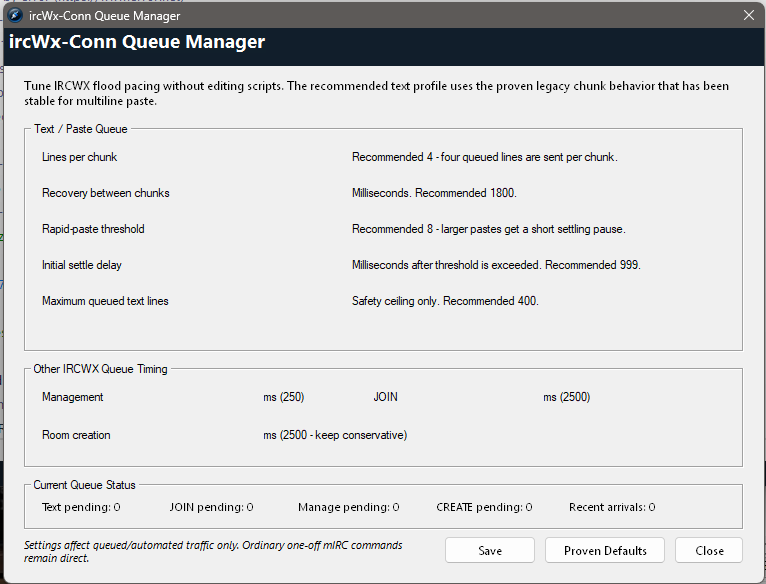
| Setting | Proven default | What it does |
|---|---|---|
| Lines per chunk | 4 | How many queued text lines are released per chunk. |
| Recovery between chunks | 1800 ms | Pause before the next text chunk. |
| Rapid-paste threshold | 8 lines | Larger rapid pastes receive an initial settling pause. |
| Initial settle delay | 999 ms | Short pause used when the rapid-paste threshold is exceeded. |
| Maximum queued text lines | 400 | Safety ceiling for automated/queued text. |
| Management | 250 ms | MODE / PROP / ACCESS bulk-management pacing. |
| JOIN | 2500 ms | Auto Join and multi-room navigation pacing. |
| Room creation | 2500 ms | Conservative CREATE follow-up pacing. |
Action Logger
The Action Logger is a dockable activity view. From the menubar you can show/hide it, lock or resize it, clear it and set its line limit. Its visual colors live in the main Colors dialog.

MP3 Player
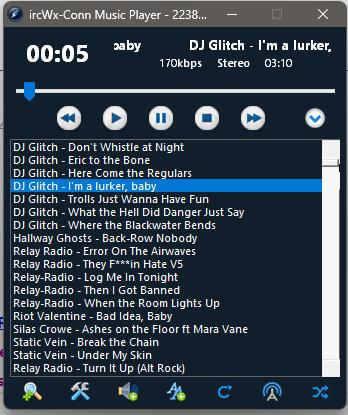
ircWx-Conn includes an MP3 player that can run as an mIRC-integrated window or as a desktop-style window. Room menus also include MP3 spam controls for users who intentionally want now-playing information in selected rooms.
Screenshot Manager
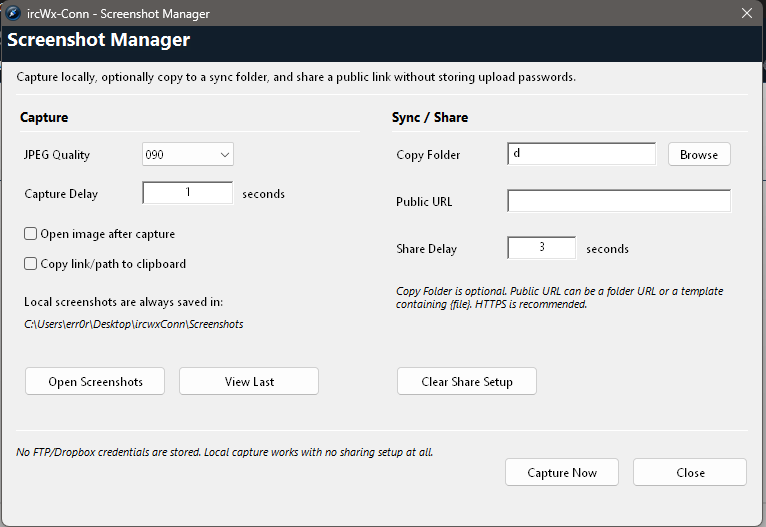
Use Tools → Screenshot Manager... to manage screenshots made through the client. Factory Reset treats the Screenshot folder as ircWx-owned runtime content and can clear it.
System Information
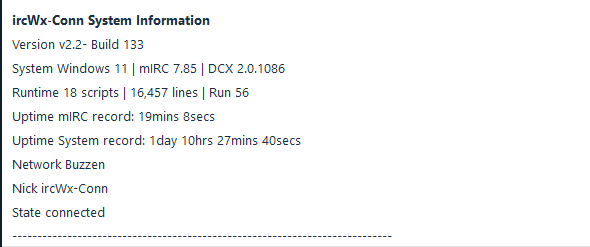
Choose Advanced → System Information... when troubleshooting. It provides a technical snapshot that can be useful when asking for support, such as client/runtime and connection-related details.
Developer Mode
Developer Mode is intended for scripting/protocol debugging, not normal chat. Leave it Off unless you are diagnosing a problem or developing an add-on.
Advanced: what it is for
The Developer Mode controls can expose lower-level server/local/raw-numeric information useful while testing IRCWX behavior. Turning it on does not make normal users “more connected”; it simply increases diagnostic visibility.